
How to Sign Up
This page shows how to sign up and login to MyChildcareApp.
Part 1: Visit Sign-Up Page and Create Organization
Login on a computer and click → Sign Up
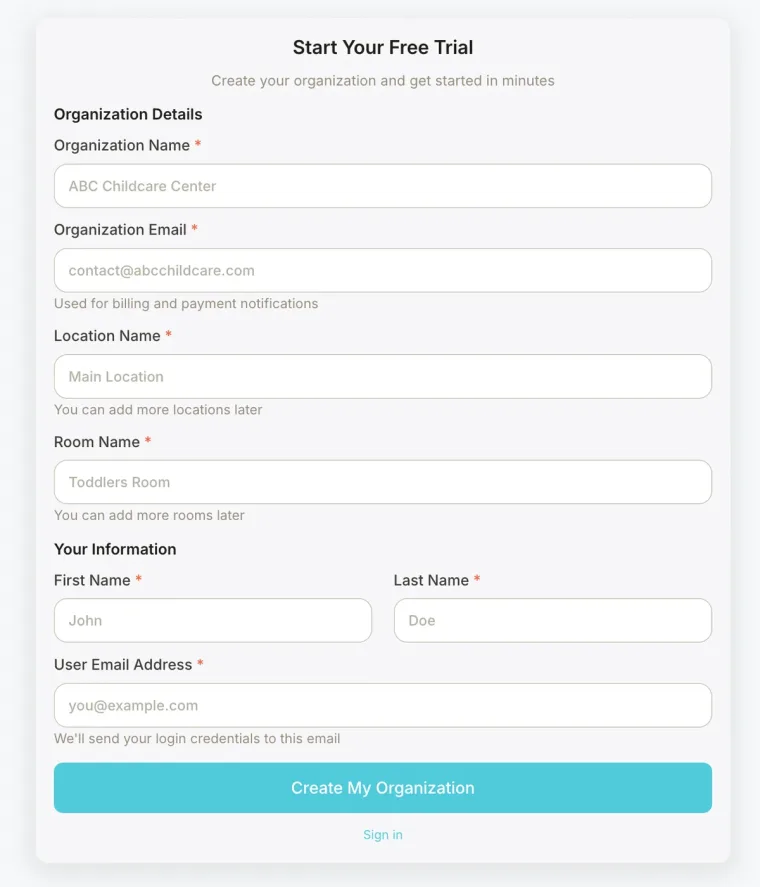
Fill out the form to create your Organization.
An organization represents your entire childcare program within the app. It is the top-level account that contains your locations, rooms, staff, children, and families. Most providers only need one organization for their business.
Part 2: Add Students & Parents to your Account
Congratulations, your account is now created in My Childcare App.
We recommend you now add students and parents to your account.
Please visit: How to Add Students and Parents to Account.